PhotoApp - AI Photo Enhancer
ScaleUpPhotography
4.23.74K Reviews
- Version
- 2.9.8
- Installs
- 10.00M
- Age Rating
- Everyone
Screenshots
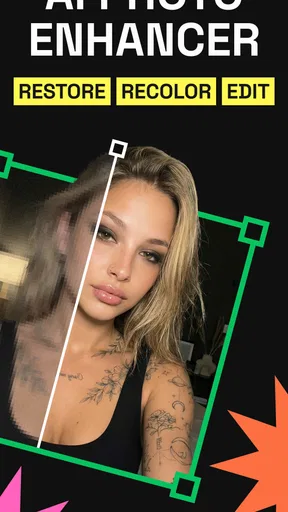
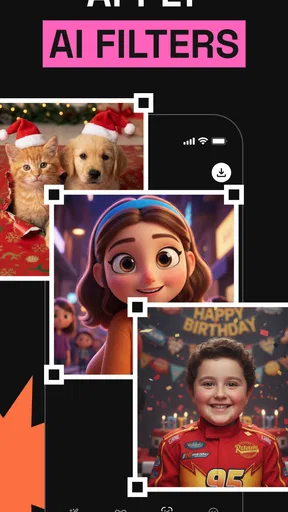
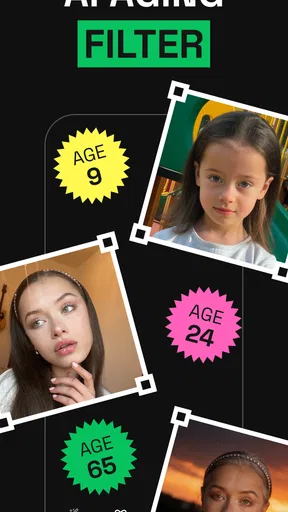
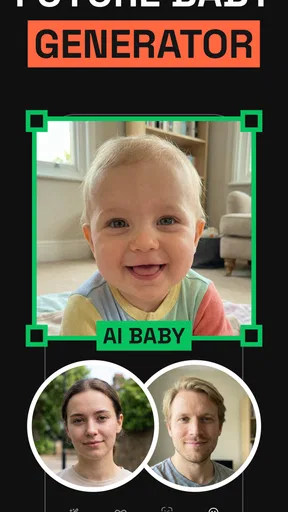
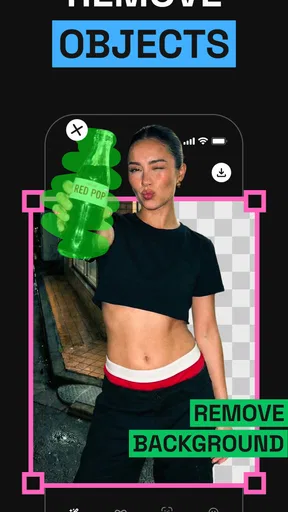
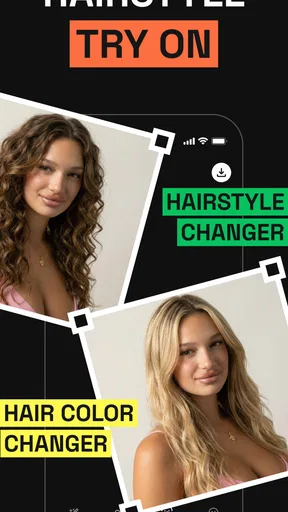
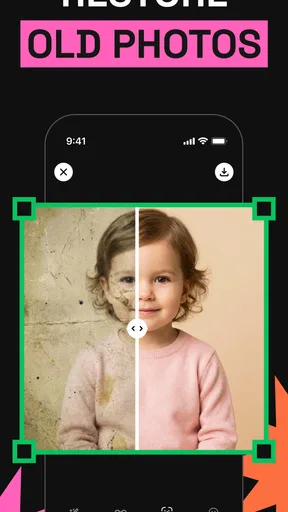
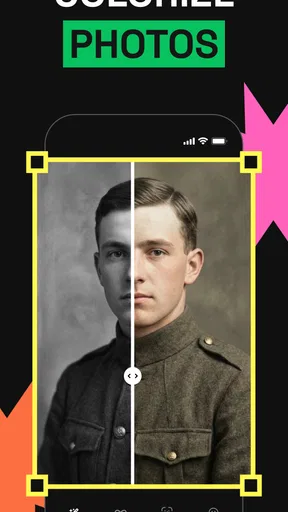
Our Review of PhotoApp - AI Photo Enhancer
 Analysis by Appyee
Have you ever taken a picture, only to find that the lighting was off or the details weren’t as sharp as you hoped? Well, I’ve got just the thing for you. I recently stumbled upon this nifty app called PhotoApp - AI Photo Enhancer, and let me tell you, it’s like having a mini photography studio right in your pocket.
Unleashing the Power of AI in Photography
First off, let’s talk about what makes this app tick. The magic behind PhotoApp - AI Photo Enhancer lies in its advanced AI algorithms. These little digital wizards work tirelessly to enhance your photos by adjusting lighting, sharpening details, and even upscaling images without losing quality. It’s like having a professional photographer and editor at your beck and call, all wrapped up in a sleek, user-friendly interface.
Getting Started: A Seamless Experience
Setting up the app is a breeze. Once I downloaded it from the App Store (it’s available on Android too, by the way), I was greeted with a straightforward tutorial that walked me through the basics. The interface is intuitive, with all the main functions clearly labeled. Whether you’re a tech-savvy whiz or a complete newbie, you’ll find navigating this app a cinch.
The home screen presents you with options to either take a new photo or choose one from your gallery. I decided to start by enhancing an older photo that I took on a cloudy day. With just a few taps, the app worked its magic, and voila! The image was transformed, boasting vibrant colors and crisp details that made it look like it was snapped on a sunny afternoon.
The Features That Make It Shine
One of the standout features is the app’s ability to remove noise from low-light photos. We’ve all been there – trying to capture a moment in dim lighting, only to end up with a grainy mess. With this app, those days are long gone. It smoothens out the noise while retaining the essential details, giving you a clear and vivid photo.
Another impressive feature is the app’s upscaling capability. Imagine being able to enlarge photos without them turning into a pixelated blur. This functionality is perfect for those moments when you need to print a photo for a frame or a gift. The AI intelligently fills in the gaps, maintaining the quality of the image.
Beyond Basic Editing: Creative Enhancements
But wait, there’s more! Beyond the basic enhancements, the app also offers a suite of creative tools. You can add artistic filters, adjust the color balance, and even play around with the focus to create stunning effects. There are plenty of options to let your creativity run wild.
I particularly enjoyed the vintage filter, which gave my photos a charming, old-school vibe. There’s also a nifty feature that lets you adjust the depth of field, making your subject pop against a beautifully blurred background. It’s like turning your smartphone into a DSLR!
Why It’s Worth a Download
In a world where we’re constantly capturing memories on our phones, having an app like this is a game-changer. It takes your average photos and elevates them to professional levels. What’s more, it’s perfect for social media enthusiasts who want to keep their feeds looking polished and professional.
Overall, PhotoApp - AI Photo Enhancer is a must-have for anyone who loves photography and wants to make the most out of their photo library. Whether you’re looking to enhance everyday snaps or create works of art, this app has got you covered. So go ahead, give it a try, and watch your photos transform in ways you never thought possible.
Verdict
Strengths of PhotoApp - AI Photo Enhancer
- Enhances image quality with AI precision.
- User-friendly interface for easy navigation.
- Quick processing with minimal wait time.
- Supports a wide variety of image formats.
- Includes batch processing option for efficiency.
Limitations of PhotoApp - AI Photo Enhancer
- May require in-app purchases for full features.
- Occasional glitches in image enhancements.
- Limited offline functionality.
- Some features are device-dependent.
- Includes ads in the free version.
Other Releases by ScaleUp
View All
AI Chatbot - Nova
Productivity3.8

Plant App - Plant Identifier
Education4.2

Momo: AI Photo & Video Maker
Photography4.4
Similar Picks in This Category
View All
Google Photos
Google LLC4.4

Gallery
Google LLC4.2

Picsart AI Photo Editor, Video
PicsArt, Inc.3.9

B612 AI Photo&Video Editor
SNOW Corporation4.1

BeautyPlus-Selfie Photo Editor
PIXOCIAL TECHNOLOGY (SINGAPORE) PTE. LTD.4.5

Remini - AI Photo Enhancer
Bending Spoons4.1
You May Also Like
View All
Frequently Asked Questions
What features does PhotoApp - AI Photo Enhancer offer?
PhotoApp - AI Photo Enhancer provides a range of features including automatic photo enhancement, noise reduction, color correction, and face retouching. It utilizes AI technology to intelligently adjust and improve image quality with just one tap. Additionally, it offers advanced editing tools for users who prefer manual editing.
Is PhotoApp - AI Photo Enhancer free to use?
PhotoApp offers a free version with basic features; however, for access to premium features like high-resolution exports and advanced filters, a subscription or one-time purchase may be required. The app often includes in-app purchases, so users should review the pricing details in the app store before downloading.
Does PhotoApp - AI Photo Enhancer support batch processing?
Yes, PhotoApp allows for batch processing, enabling users to enhance multiple photos at once. This feature is particularly useful for those with a large photo library, saving time and effort. However, batch processing might be limited to certain features in the free version, requiring a premium upgrade.
Can PhotoApp - AI Photo Enhancer handle RAW image files?
PhotoApp supports various file formats, including JPEG and PNG, but its ability to handle RAW files depends on the device and the version of the app. Users aiming to edit professional-grade photos should check compatibility with their specific camera formats in the app’s specifications.
Is an internet connection required to use PhotoApp - AI Photo Enhancer?
An internet connection is not required for basic photo editing features, but some advanced features and updates might need online access. PhotoApp uses cloud-based AI processing for certain enhancements, so a stable connection is recommended for optimal performance and feature access.
